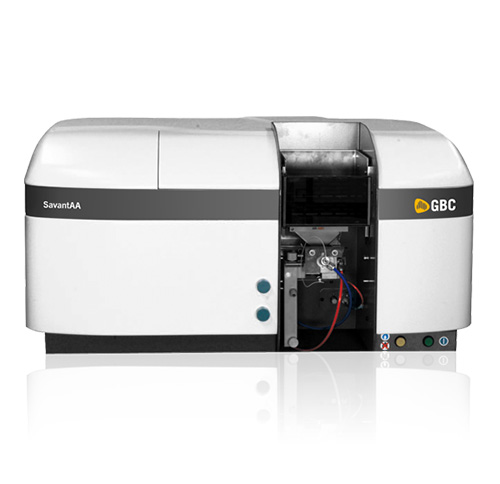
GBC SavantAA
Double-beam AAS from GBC Scientific Equipment: Ebert-Fastie 333 mm, 175–900 nm, 1800 line/mm, 8-lamp turret, Hyper-Pulse background correction.
View product


The ETV accessory is made by GBC for the OptiMass: an electrothermal vaporisation workhead with PAL autosampler and power supply, controlled by the OptiMass software.
Key specifications
GBC OptiMass ETV Accessory
Request a quoteOverview
The accessory comprises the ETV workhead, a PAL autosampler and a power supply with gas flow control. Between 1 and 100 µL of sample is injected, dried, ashed and atomised, and the atomised plume enters the plasma where the OptiMass measures all masses simultaneously.
Because solvent and matrix are removed during the dry and ash stages, it suits slurries, viscous samples and small volumes such as blood. Temperature programs can have unlimited steps, each with ramp, hold, gas selection and read options.
Specifications
5 parameters
As little as 1 µL injected.
Dry and ash stages remove solvent and matrix before atomisation.
Unlimited steps with ramp, hold and gas selection.
Automatic standard mixing, standard additions and modifier injection.
Al-Shaker specifies the configuration, documents the system, and supports it across Jordan, the GCC, and MENA.
Consult
Plan
Supply
Install
Train
Support
Double-beam AAS from GBC Scientific Equipment: Ebert-Fastie 333 mm, 175–900 nm, 1800 line/mm, 8-lamp turret, Hyper-Pulse background correction.
View product
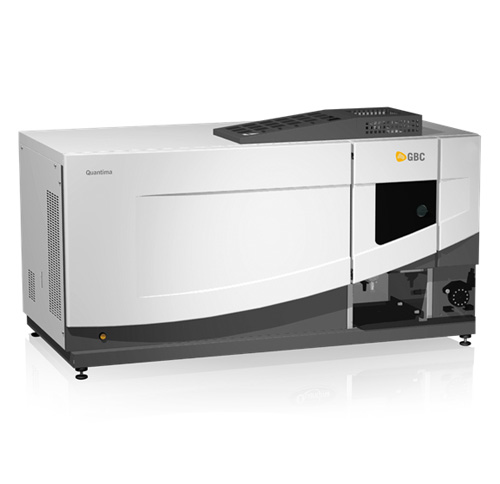
GBC ICP-OES: 11 L/min argon on typical aqueous work, IIS ignition, slurry and high TDS without dilution, organics without an oxygen accessory.
View product
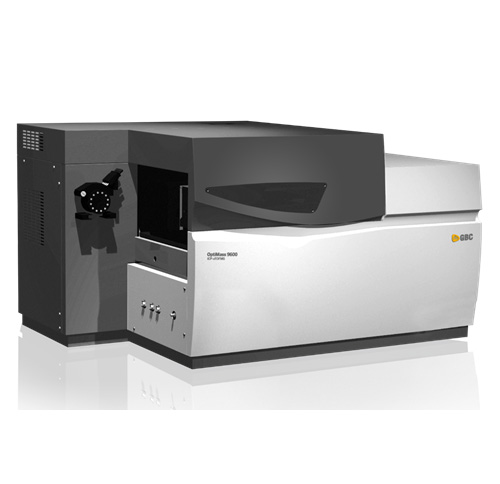
OA-TOF ICP-MS: 27.12 MHz RF at 500–1500 W, argon <12 L/min, 1–260 amu, >30,000 spectra/s, resolution typically ≥1,200 for 238U.
View product
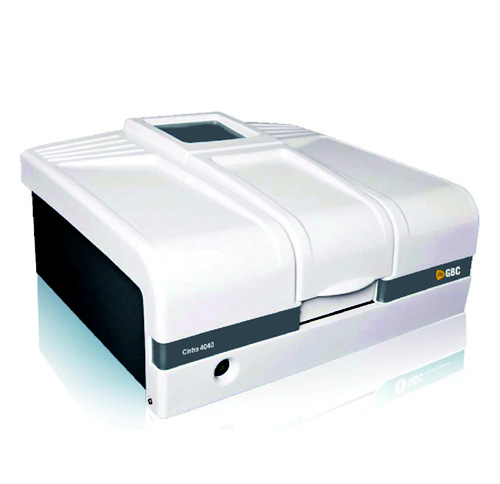
True double-beam double-monochromator UV-Vis: 190–900 nm, bandpass 0.1–2.0 nm, scan 5–10,000 nm/min, R928 PMT, linearity <0.3% at 4 Abs.
View product
Talk to the technical team
Share the workflow, capacity, and compliance constraints. We respond with a recommended configuration, not a generic catalogue list.