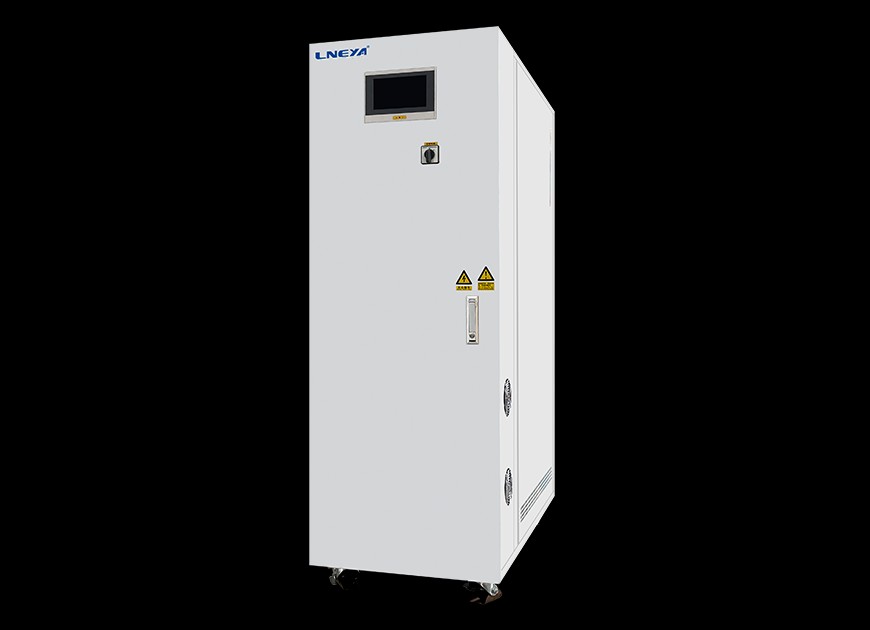
Recirculating chillers LT
LNEYA LT recirculating chillers: −80 to 30 °C, ±0.5 °C; LT 10–30 °C cooling 3–14 kW at 15 °C; pump 30 L/min at 1.6 bar; MODBUS RTU RS485.
View product


Thermal stream that blows temperature-controlled air onto the device under test, from -120 to 225 °C with ±0.1 °C outlet accuracy and no liquid nitrogen.
Key specifications
AES Temperature Forcing System / Thermal Stream (-120 to 225 °C)
Request a quoteOverview
The AES temperature forcing system supports thermal shock and temperature cycling of chips, modules and boards for semiconductor ATE, IC validation, burn-in and reliability testing. It uses compression refrigeration instead of liquid nitrogen and can change from 150 °C to -55 °C in under 10 seconds.
Models AES-4535 to AES-A1235W reach -40, -60, -80, -100 or -120 °C on the low end and 225 °C on the high end, with 10 to 30 m³/h of treated air at 5 to 7.6 bar. The AESR-8035 eco-friendly model (-80 to 225 °C) uses R744 / R508B refrigerants and 3000 W heating.
Specifications
7 parameters
Compression refrigeration cools the air.
Five low-temperature options up to 225 °C.
R744 / R508B refrigerant variant.
Al-Shaker specifies the configuration, documents the system, and supports it across Jordan, the GCC, and MENA.
Consult
Plan
Supply
Install
Train
Support
LNEYA LT recirculating chillers: −80 to 30 °C, ±0.5 °C; LT 10–30 °C cooling 3–14 kW at 15 °C; pump 30 L/min at 1.6 bar; MODBUS RTU RS485.
View product
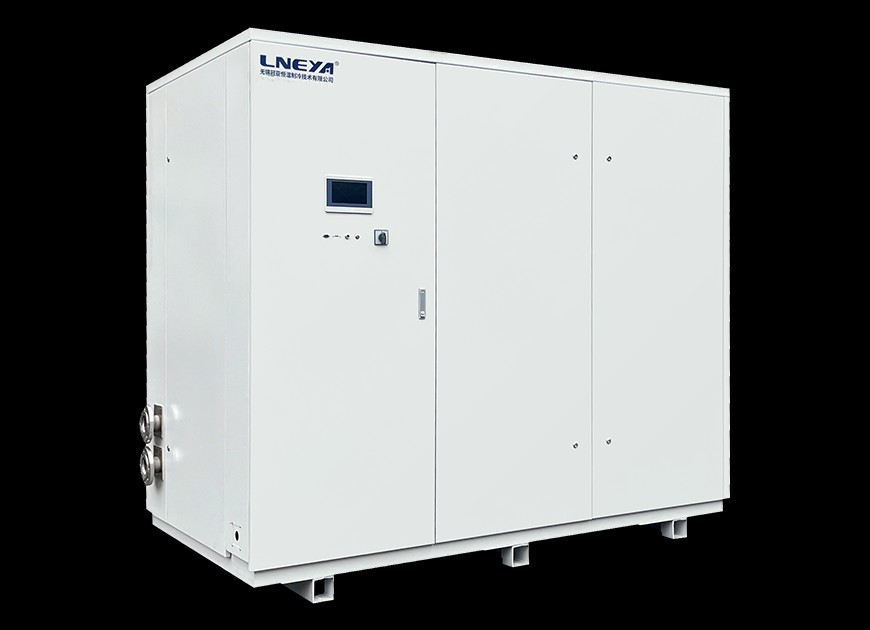
LNEYA SUNDI circulators: −25 to +200 °C (extendable −25 to +300), ±0.5 °C medium, cooling 1.8–200 kW, heating 3.5–200 kW, pump 35–600 L/min.
View product
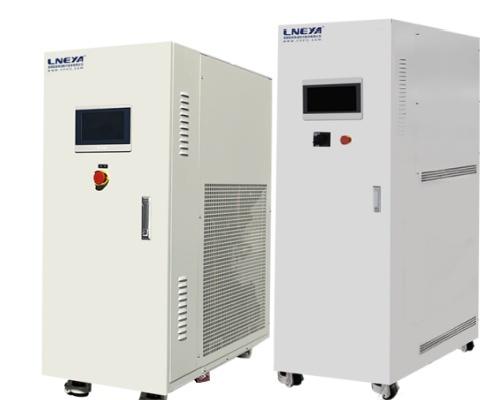
LNEYA high-temperature heating circulators: +10 to +300 °C, ±0.5 °C (custom ±0.1), heating 5.5–130 kW; UC 50–300 °C with a 7-inch touchscreen.
View product
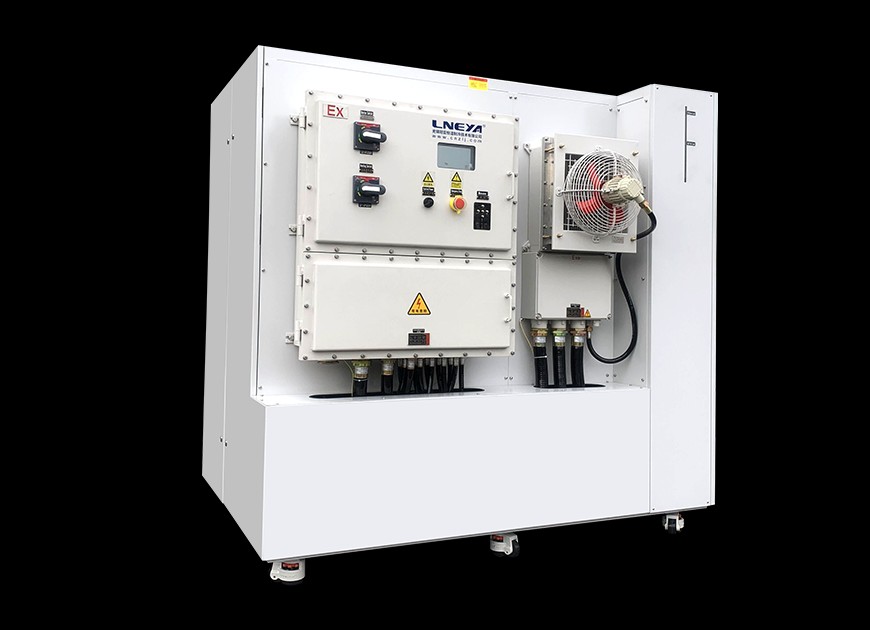
LNEYA TCU for reactors: −120 to 250 °C, 5–60 reactors, ±0.5 °C; SR electric heat 25–80 kW; pump 200–750 L/min at 2.5 bar.
View product
Talk to the technical team
Share the workflow, capacity, and compliance constraints. We respond with a recommended configuration, not a generic catalogue list.