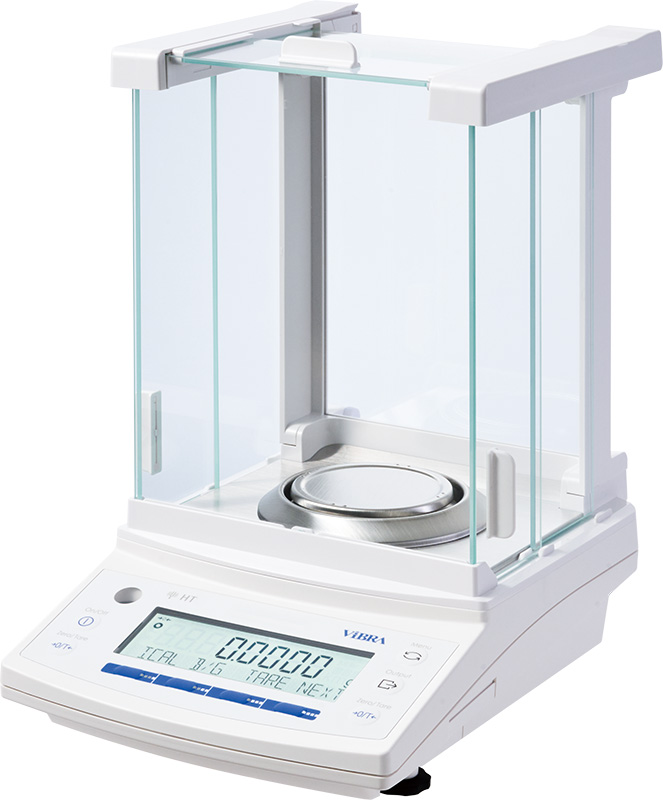
ViBRA HT Analytical Balances
0.1 mg analytical balances, 80–220 g, 3 s stabilisation — Shinko Denshi’s tuning-fork sensor, the only analytical balance of its kind.
View product


Reference: CBM-910II
Compact dot-matrix printer that prints output data from ViBRA balances over RS232C.
Key specifications
ViBRA CBM-910II Standard Printer
Request a quoteOverview
The CBM-910II is the standard printer for ViBRA balances. It is a compact dot-matrix printer that connects to the balance through its RS232C output and prints the weighing data.
It prints 24 columns per line at about 2.5 lines per second on single sheets, copier paper or paper rolls. The unit measures 106 x 80 x 88 mm and consumes 7 VA.
An RS232C connector cable (D-sub 9-pin female to D-sub 25-pin male) is listed as an option.
Specifications
13 parameters
Prints balance output data directly.
106 x 80 x 88 mm.
Connects to ViBRA balances.
Al-Shaker specifies the configuration, documents the system, and supports it across Jordan, the GCC, and MENA.
Consult
Plan
Supply
Install
Train
Support
0.1 mg analytical balances, 80–220 g, 3 s stabilisation — Shinko Denshi’s tuning-fork sensor, the only analytical balance of its kind.
View product
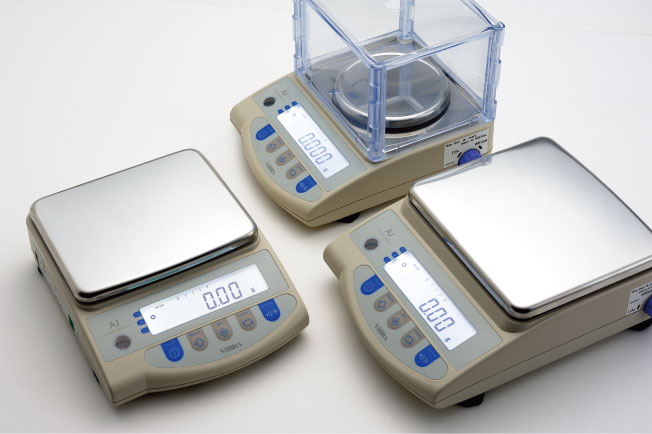
Tuning-fork precision balances from 220 g / 0.001 g to 12 kg / 0.1 g — compact chassis, optional internal calibration on AJH, OIML Class I/II.
View product
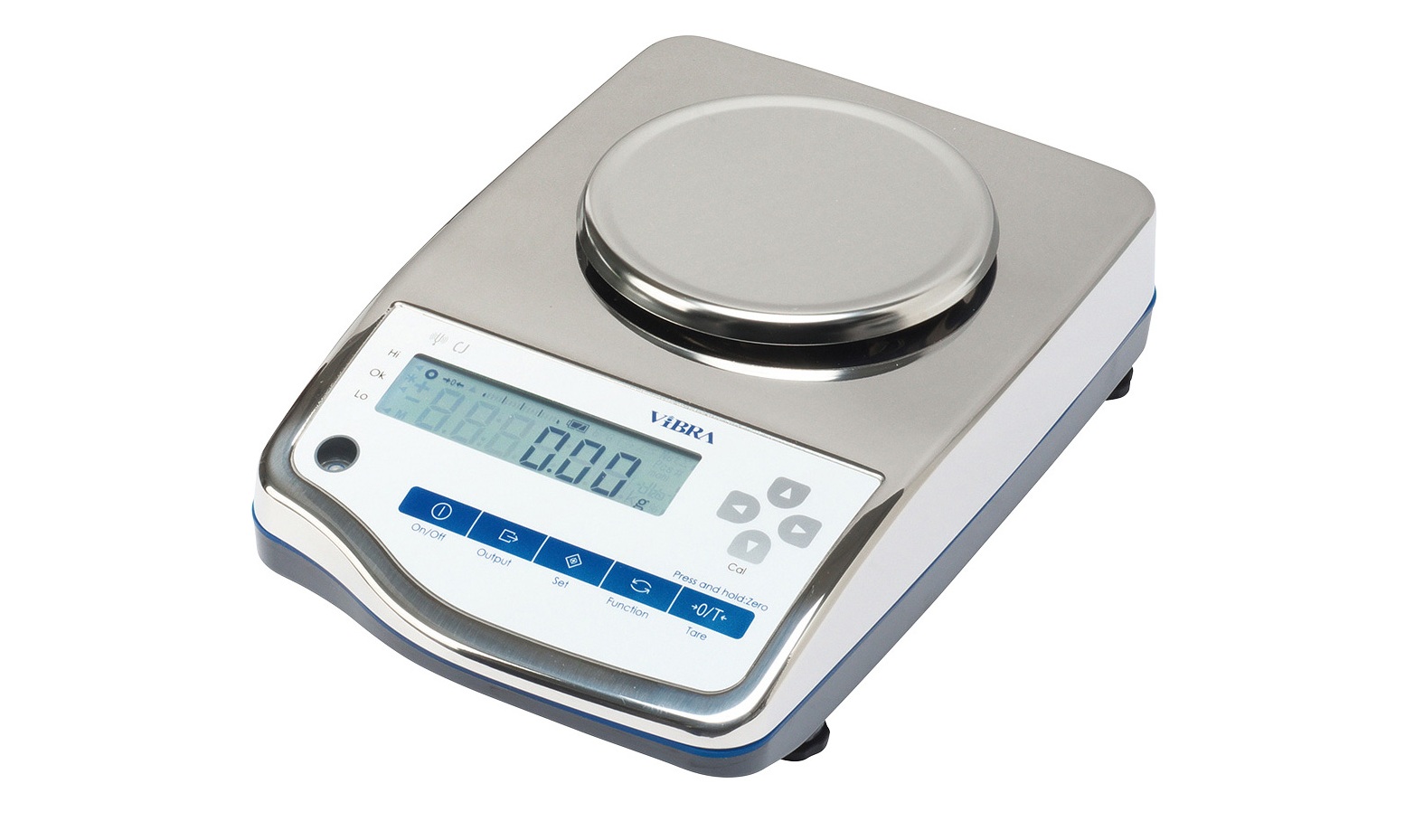
IP65 SUS304 precision balances, 620 g–15 kg, 0.01–1 g — washdown tuning-fork weighing for dust, mist, and splash.
View product
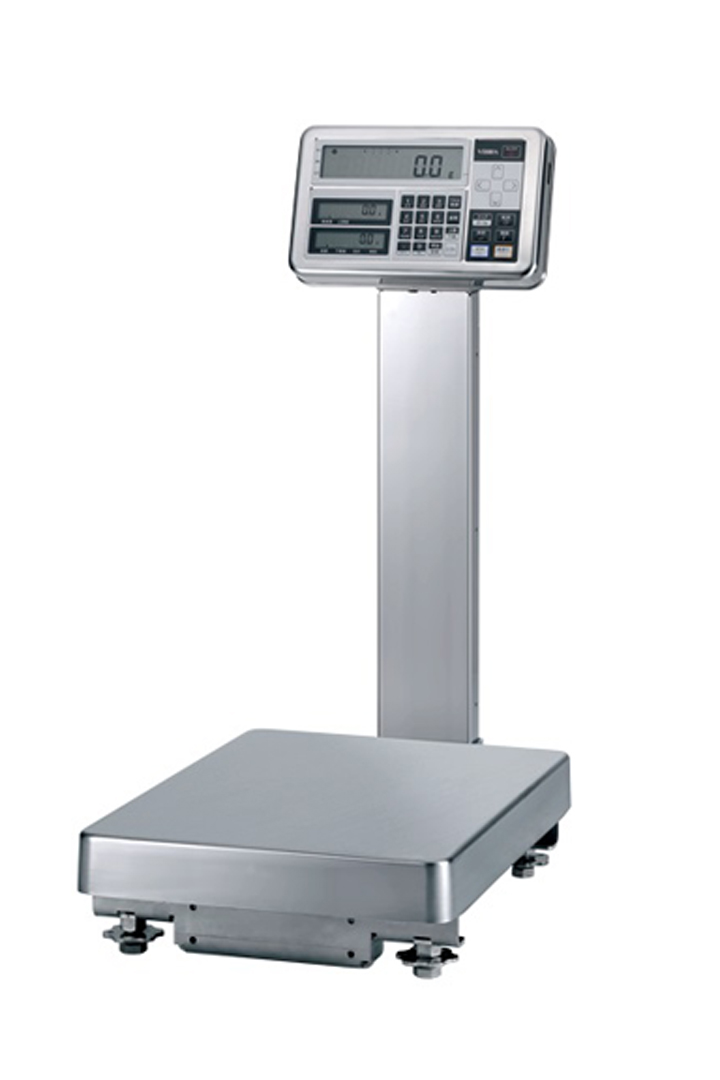
ATEX/IECEx II 1 G Ex ia IIB T4 Ga, IP65, 620 g–300 kg — tuning-fork weighing for Zone 0/1/2 gas, 0.001 g to 1 g.
View product
Talk to the technical team
Share the workflow, capacity, and compliance constraints. We respond with a recommended configuration, not a generic catalogue list.