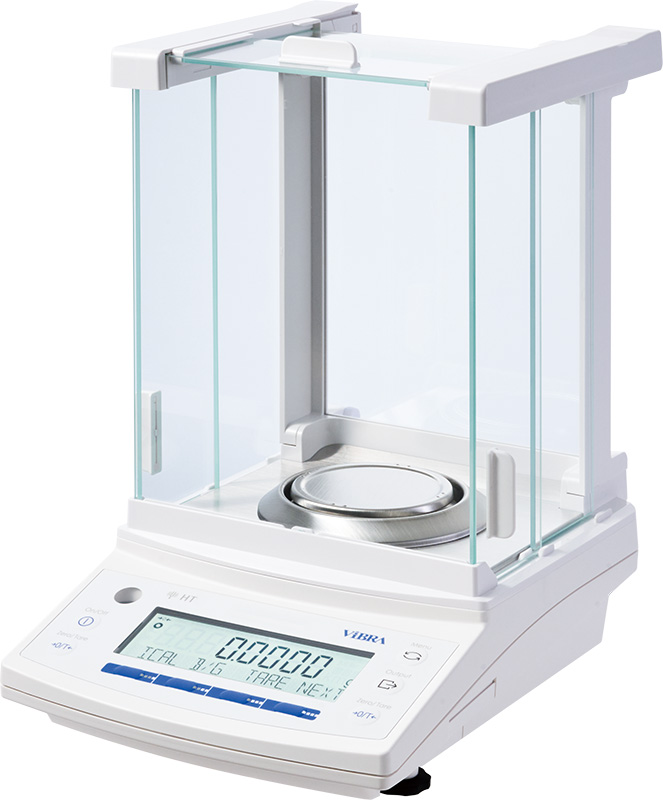
ViBRA HT Analytical Balances
0.1 mg analytical balances, 80–220 g, 3 s stabilisation — Shinko Denshi’s tuning-fork sensor, the only analytical balance of its kind.
View product


Reference: CSP-160II
Compact dot-matrix printer for ViBRA balances that prints weighing results together with statistics such as average, standard deviation and range.
Key specifications
ViBRA CSP-160II Statistics Printer
Request a quoteOverview
The CSP-160II is a statistics printer for ViBRA balances. Besides simple printing it calculates statistics from weighing results: number of data, average, maximum, minimum, standard deviation, failure ratio, range and total.
It can also judge results as OK, HI or LOW against limit values set by the user. The printer is a 5 x 7 dot-matrix unit printing up to 16 digits at about one line per second on 45 mm paper, powered through an AC adaptor that is not included.
ViBRA notes that the CSP-160II is not available for use in the EEA, Switzerland and Turkey.
Specifications
10 parameters
Count, average, maximum, minimum, standard deviation, failure ratio, range and total.
OK, HI and LOW against user-set limits.
155 x 145 x 48 mm.
Al-Shaker specifies the configuration, documents the system, and supports it across Jordan, the GCC, and MENA.
Consult
Plan
Supply
Install
Train
Support
0.1 mg analytical balances, 80–220 g, 3 s stabilisation — Shinko Denshi’s tuning-fork sensor, the only analytical balance of its kind.
View product
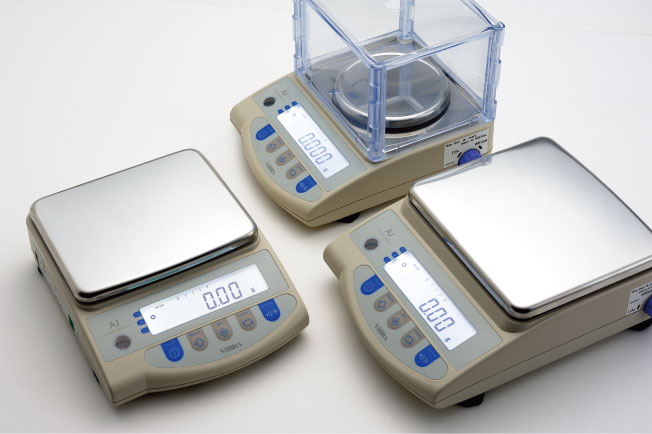
Tuning-fork precision balances from 220 g / 0.001 g to 12 kg / 0.1 g — compact chassis, optional internal calibration on AJH, OIML Class I/II.
View product
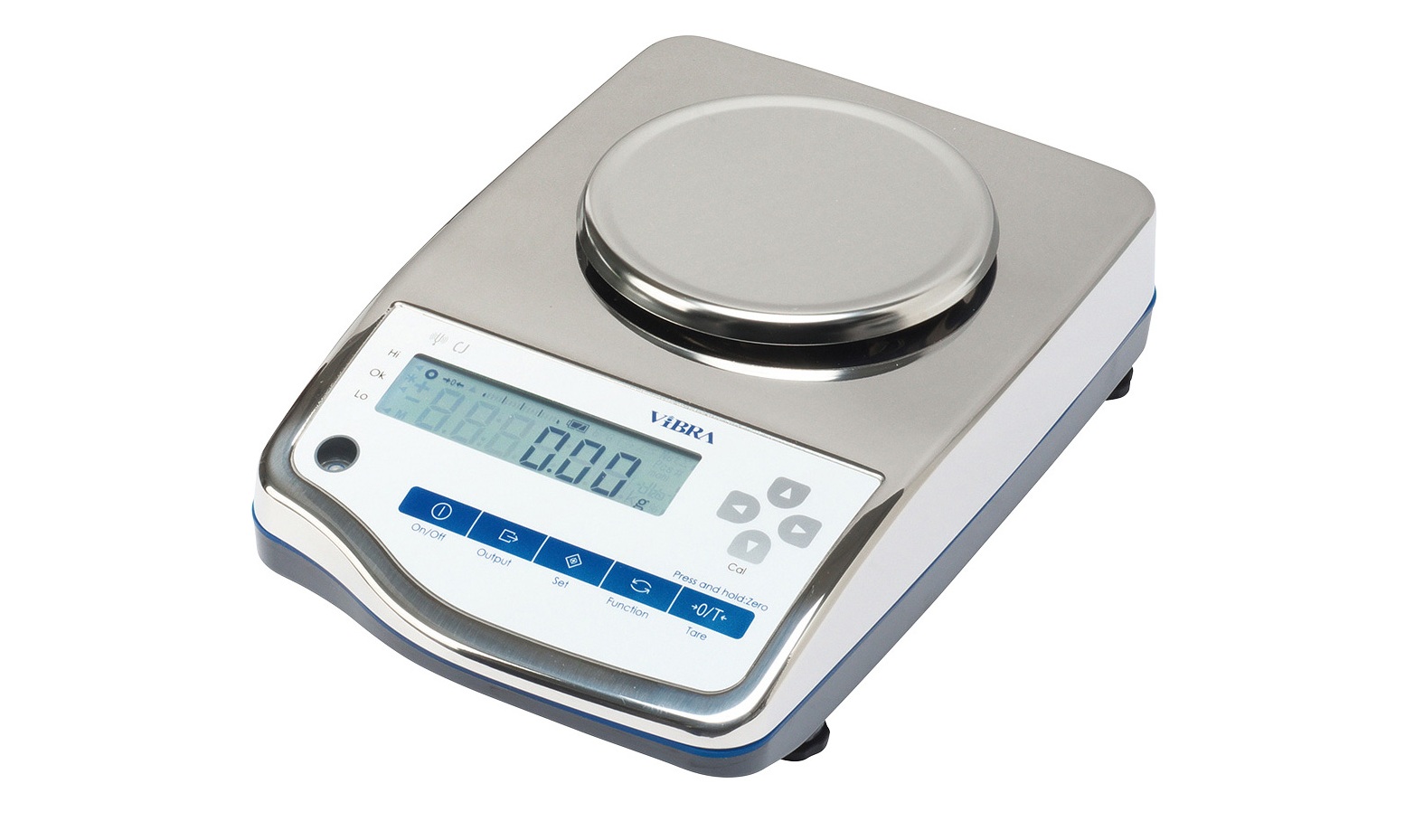
IP65 SUS304 precision balances, 620 g–15 kg, 0.01–1 g — washdown tuning-fork weighing for dust, mist, and splash.
View product
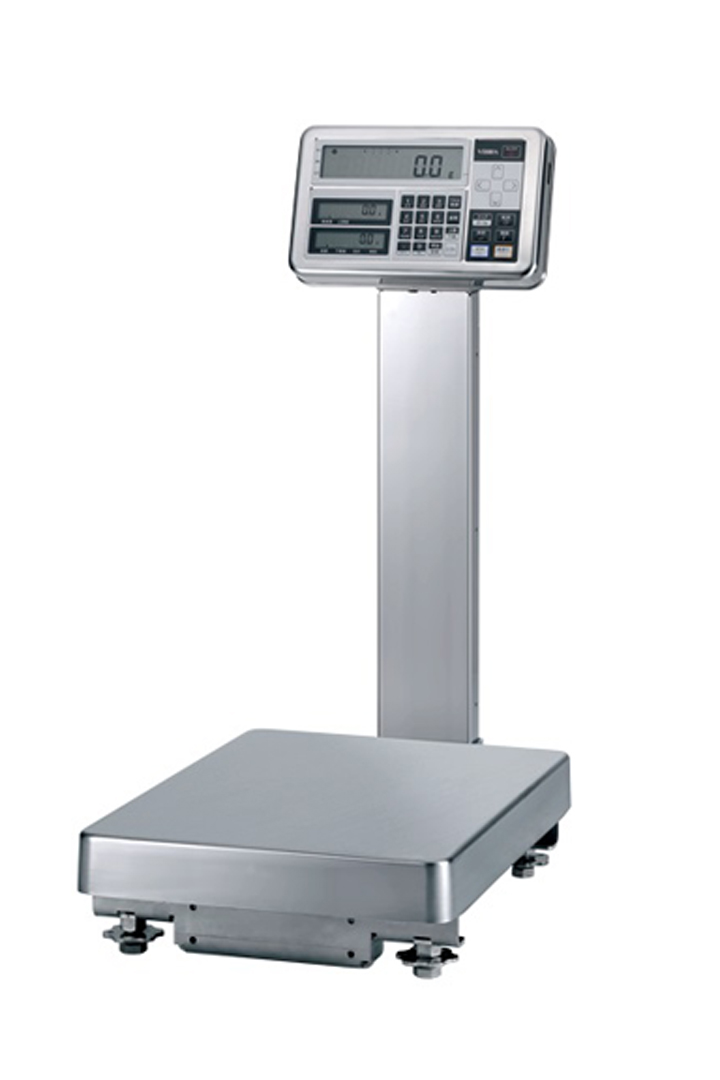
ATEX/IECEx II 1 G Ex ia IIB T4 Ga, IP65, 620 g–300 kg — tuning-fork weighing for Zone 0/1/2 gas, 0.001 g to 1 g.
View product
Talk to the technical team
Share the workflow, capacity, and compliance constraints. We respond with a recommended configuration, not a generic catalogue list.