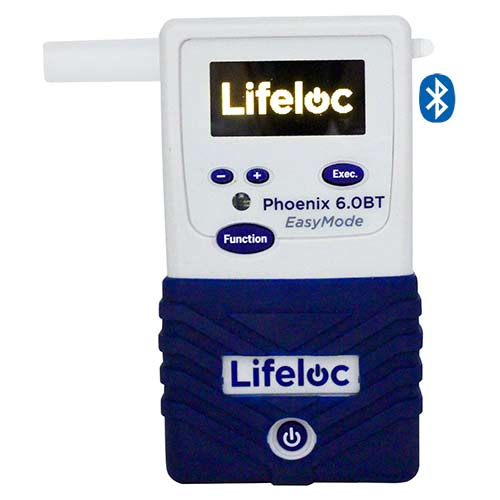
Phoenix 6.0BT
DOT/NHTSA evidential workplace breath tester: 1" platinum fuel cell, 0–.600 BAC, OLED, 250-test memory, and Bluetooth print — Lifeloc’s 49 CFR Part 40 confirmation EBT.
View product


Database software that connects Lifeloc breath testers to a PC to manage, print, filter and export test and calibration records, with remote diagnostics.
Key specifications
AlcoMark Computer Interface Software
Request a quoteOverview
AlcoMark is a complete system for managing a breath alcohol testing programme. Its database holds all test and calibration results, and it communicates with a PC and a portable breath tester so records can be printed, sorted, filtered, edited and saved.
Results export to Excel, XML or text files for analysis and archiving. AlcoMark also provides remote diagnostics, letting a unit communicate directly with Lifeloc factory technicians. The single-install kit includes the software USB and a USB computer cable with a one-year warranty; a five-install site licence is also sold.
Specifications
3 parameters
Stores test and calibration results.
Manage and edit data from connected testers.
Excel, XML or text files.
Units can talk directly to Lifeloc factory technicians.
Al-Shaker specifies the configuration, documents the system, and supports it across Jordan, the GCC, and MENA.
Consult
Plan
Supply
Install
Train
Support
DOT/NHTSA evidential workplace breath tester: 1" platinum fuel cell, 0–.600 BAC, OLED, 250-test memory, and Bluetooth print — Lifeloc’s 49 CFR Part 40 confirmation EBT.
View product
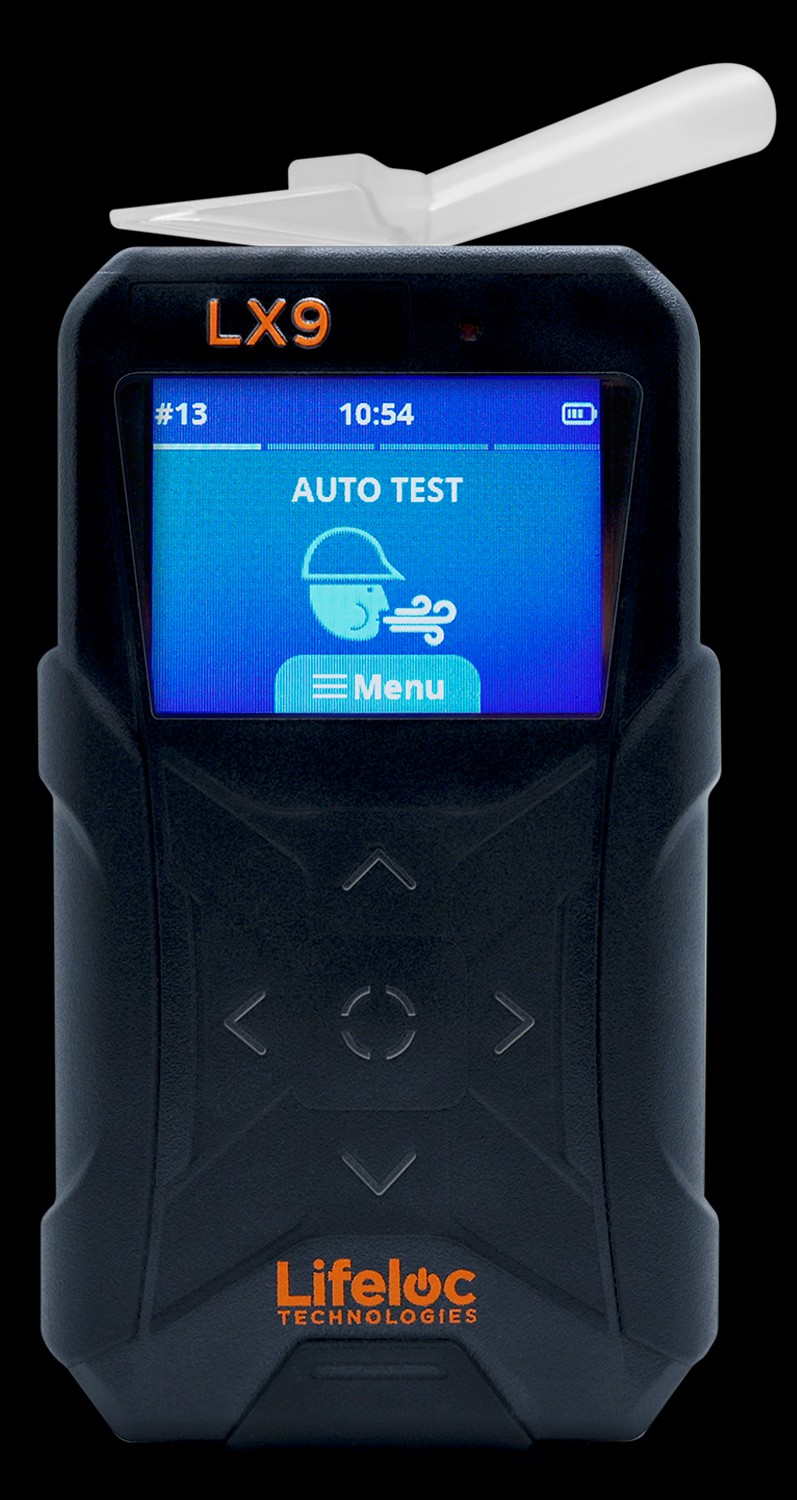
Evidential handhelds for law enforcement and corrections: .000–.600 BAC, 10,000-test memory, 2.2" TFT, 14–130 °F — not for 49 CFR Part 40 workplace confirmation.
View product
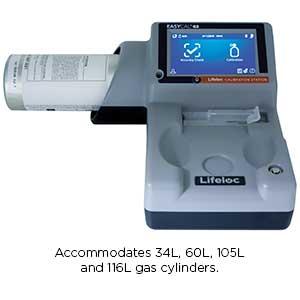
Automatic calibration station for Lifeloc testers: cal under 2 minutes, cal-check under 30 seconds, 34/60/105/116 L cylinders, 0.040/0.080/0.100 gas, ~10,000 records.
View product
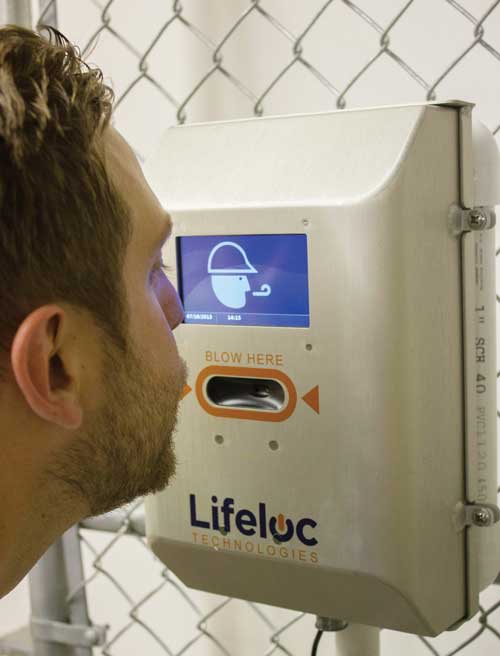
Entry-point breath alcohol screening: passive, no mouthpieces, 1" fuel cell, negatives under 2 seconds, IP54, 13 × 8 × 4.3 in, 4.75 lb, 32–130 °F.
View product
Talk to the technical team
Share the workflow, capacity, and compliance constraints. We respond with a recommended configuration, not a generic catalogue list.